
Commercial · Toronto
Access Control Installation
The keypad on the side door has started sticking on cold mornings, codes get shared instead of reset, and half the staff still remember a code you meant to retire two hires ago.
In plain words
A single door can run on a standalone keypad or card reader that stores its own list of who may enter, though it can still need a power or network connection to work. A building with several controlled openings usually makes more sense on a networked setup instead, where distributed controllers share schedules and credentials and management software brings their logs together into one view. The locksmith sizes the choice to how many doors need controlling and how much the business wants to manage centrally, rather than defaulting to a single approach for every job.
How the visit goesThe back door of the shop runs on one key, and by now it lives on six different rings: yours, two managers, a cleaner, a supplier who restocks early, and a keyholder nobody quite remembers approving.
Access Control Installation
How the visit goes
Power, cabling, and where the controller will live
An access control system needs somewhere for its low-voltage wiring to run and somewhere secure for the controller and its power supply to sit, away from public reach. The survey traces a path from each opening back to that location, checks whether existing conduit or cable trays can be reused, and confirms what power is already available against what a new circuit or a battery backup needs to supply. A building with exposed ceilings or accessible risers is a simpler pull than one with finished walls throughout, and that difference shapes how the installation is sequenced.
Enrolling cards, fobs and codes
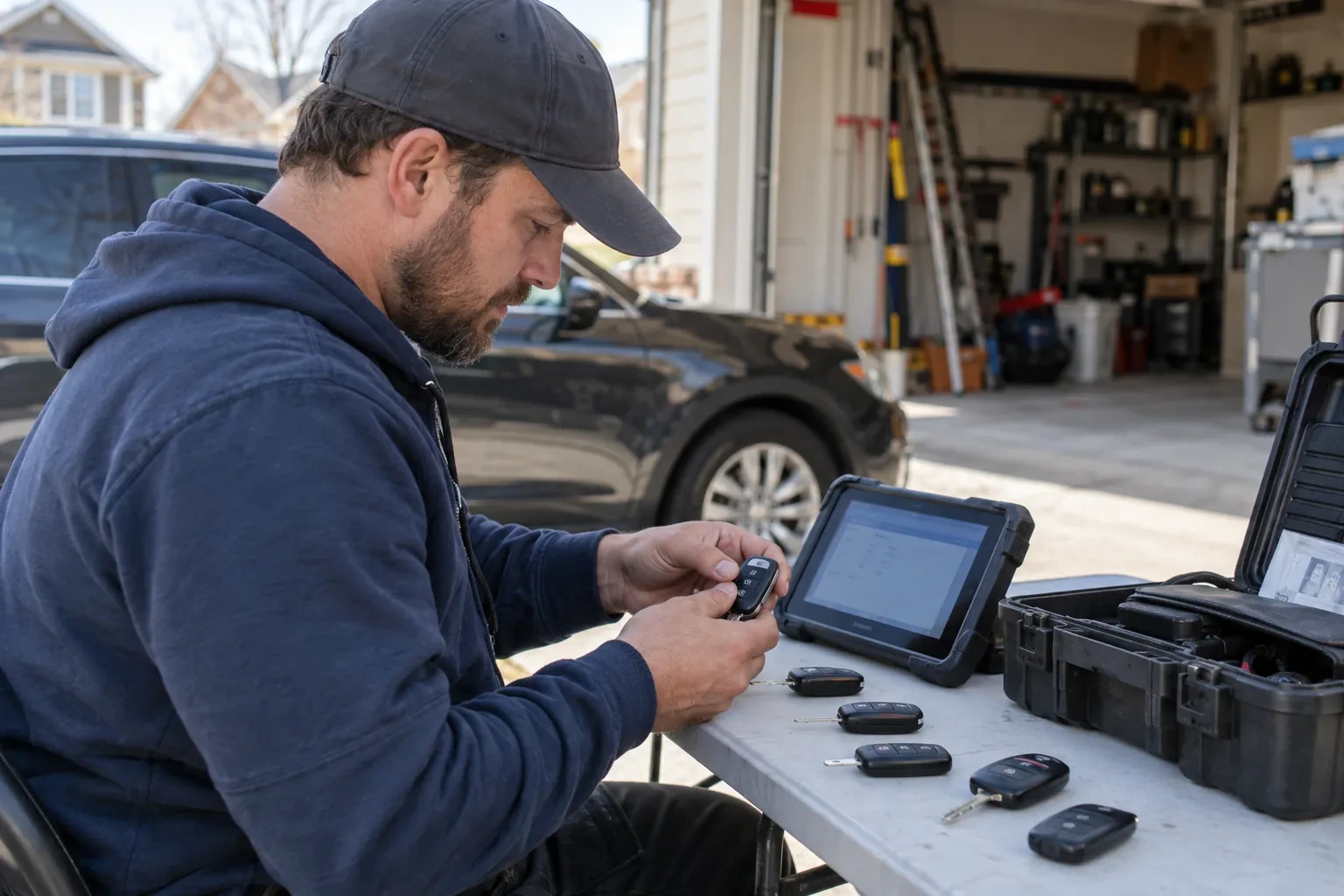
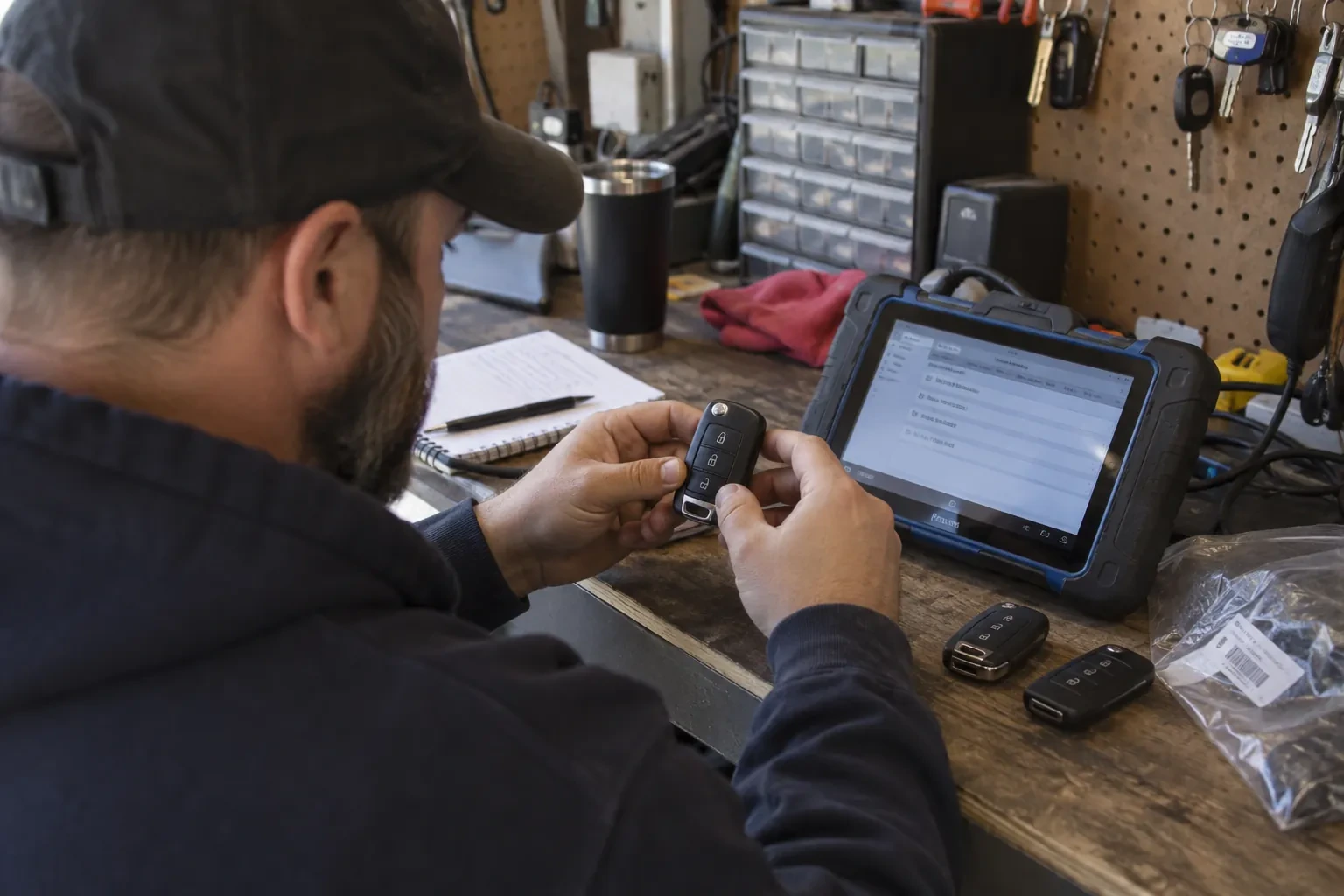
Once schedules and access levels are ready, each credential is enrolled against a name, presented at a reader or entered at an enrolment station, and assigned to the access level matching the person's role. A keypad code is set and confirmed working at the door itself; a card or fob is tested the same way before it is handed over. The locksmith keeps a running list during enrolment so nothing is issued twice and nothing is left unassigned, and hands that list to the administrator as the starting record for the system going forward.
What the system adds to the rest of the building's security
Once the installation settles into daily use, its value tends to show up alongside whatever else the business already runs: an alarm event that lines up with the person who unlocked the door that morning, a camera clip that can be matched to a specific credential instead of just a timestamp, or a plain answer, finally, to who was in the building last weekend. Getting there can mean linking the access system to the alarm panel or the camera platform, which sometimes calls for extra configuration or an integration licence beyond the original installation, but the controller and the log it already keeps are the starting point either way.
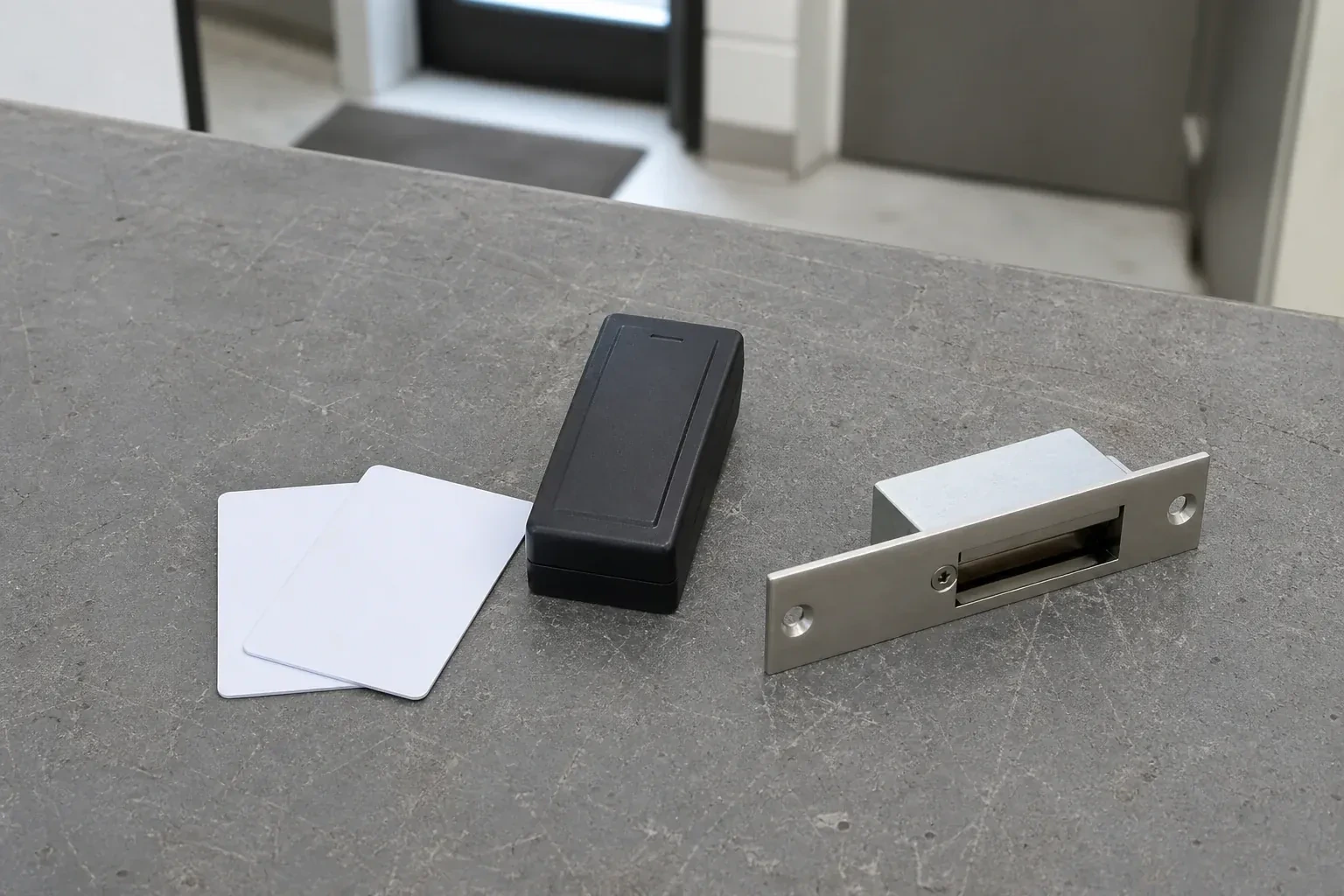
Access Control Installation
In the van
Door position switches
Power supply with battery backup
Magnetic locks
Request-to-exit devices
Card and fob readers
Access Control Installation
What affects the quote
Condition of the existing hardware
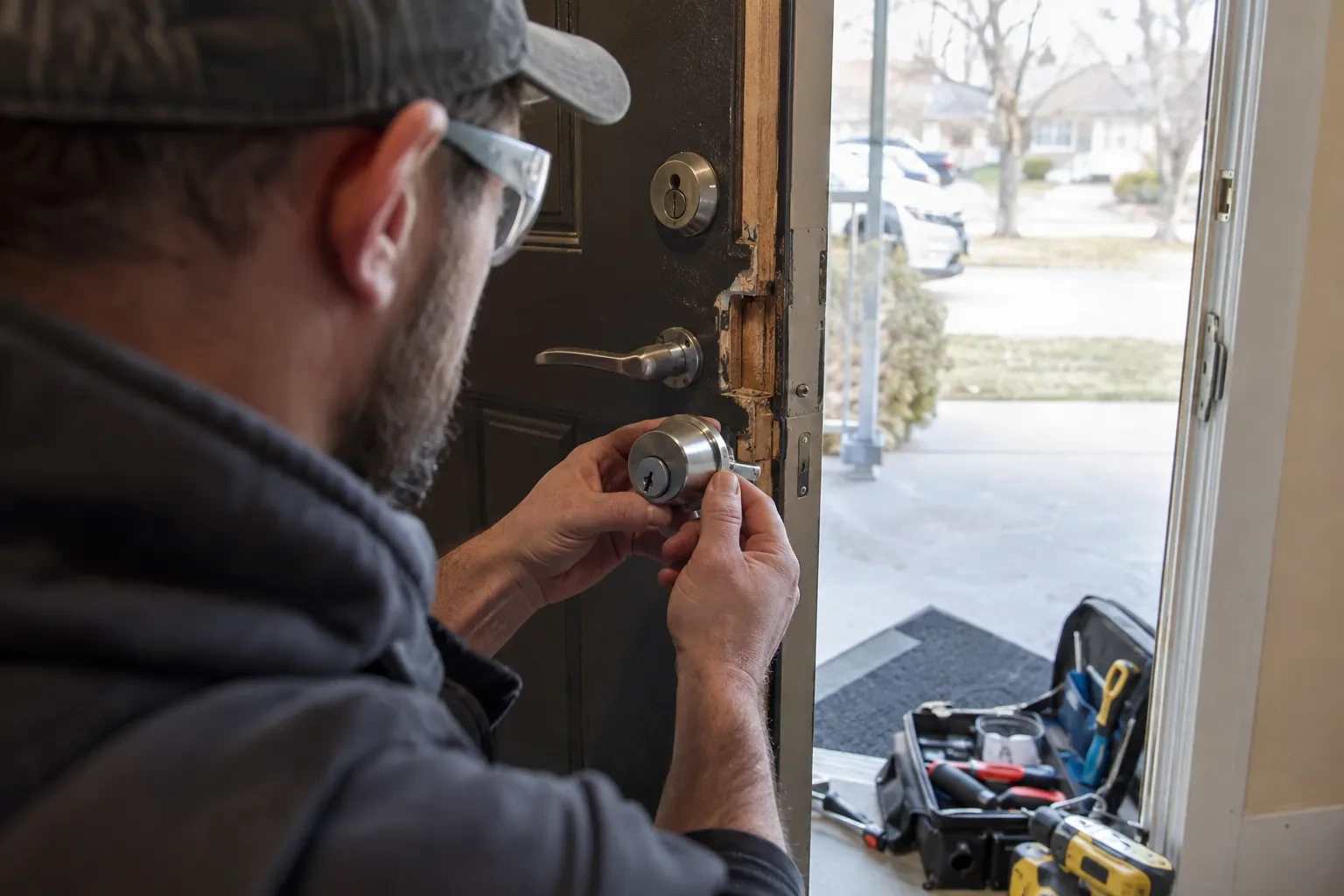
A working mechanical lock that can stay in place as the override is a simpler starting point than an old, failing keypad system that has to be removed before new hardware goes on in its place.
How many schedules and access levels are needed
A building with one schedule for everyone is quicker to configure than one splitting doors, hours and roles into several access levels, since each combination has to be set up and then tested on its own.
Standalone or networked
A self-contained reader at one door is simpler than a networked controller managing several openings with shared schedules and a combined log, and the choice between them changes both the hardware list and the wiring involved.
What to have ready
- Which doors do you want to control with the new system?
- What are the doors and frames made of, as far as you know?
- Do any doors need different hours than the rest of the building?
Access Control Installation: questions
QuestionsWhat credential types are available: cards, codes, fobs, phones?
A proximity card or fob held near a reader, a code typed on a keypad, or a mobile credential read from a phone are all in common use, and a single building can mix them by door or by person. Cards and fobs are simple to issue and switch off individually; a keypad needs no card to lose but a shared code eventually gets passed around; a mobile credential ties entry to a device the person already carries.
Who keeps administrative control of the software after installation?
The business does. Handover includes a full administrator account with the ability to add and revoke credentials, change schedules, and pull an entry log, confirmed working before the locksmith leaves. Whether the installer keeps any support or portal access beyond that is a setting agreed with the business, not a fixed feature of every system, so it is worth confirming as part of that handover.
How long does an installation usually take?
A single standalone door is usually finished within a day, including testing and training. A building with several networked openings, cabling to run and a controller to program takes longer, and is often planned across more than one visit so cabling, hardware, and software configuration each get proper attention rather than being rushed through in one pass.
Related services
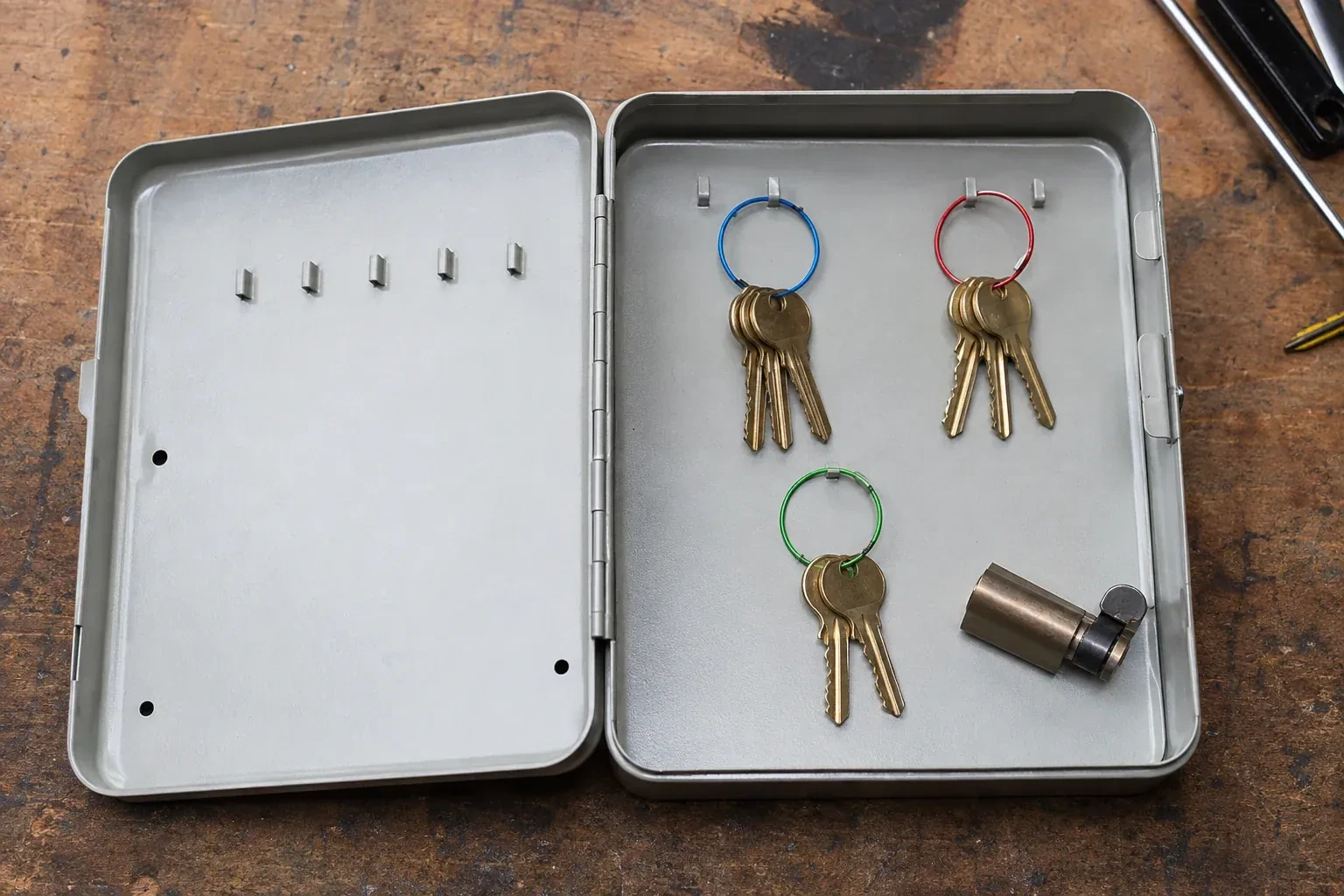
- Master Key System DesignThe office key ring has become the org chart.
- Panic & Exit HardwareThe fire inspector's note is blunt: the banquet hall's second exit still turns on a deadbolt, and the crowd it is rated to hold needs a door that opens under one motion, no key involved.
- Commercial-Grade Lock ReplacementHead office wants every branch keyed alike under one system, and half the locations are still running whatever lockset the original contractor happened to install years ago.