
Commercial · Maryvale
Access Control Installation in Maryvale
The keypad on the side door has started sticking on cold mornings, codes get shared instead of reset, and half the staff still remember a code you meant to retire two hires ago.
In plain words
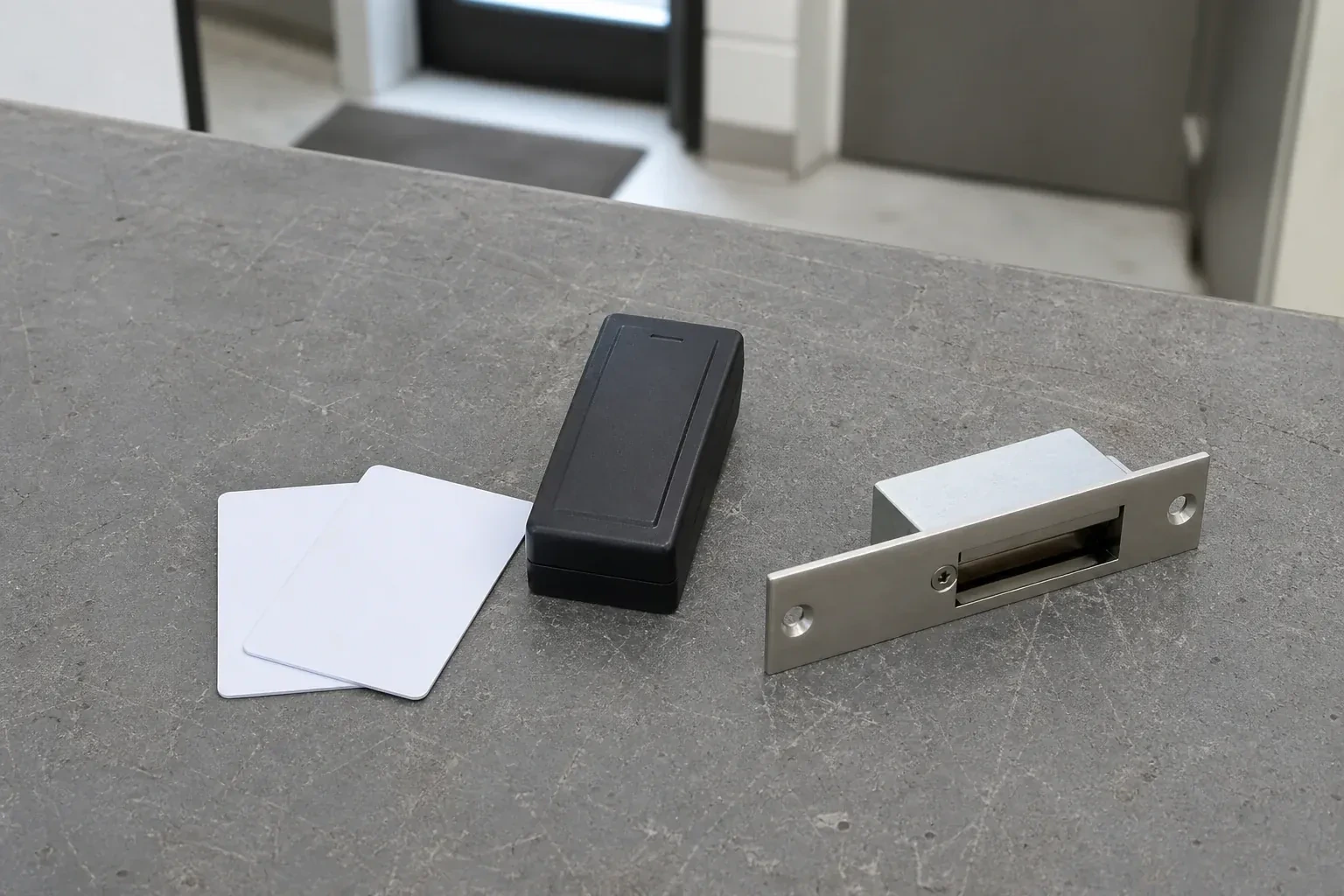
An exit door does not stop being an exit once it is wired into an access control system. A magnetic lock on that route is paired with a request-to-exit device so anyone leaving is never held up looking for a code, and it is tied into the fire alarm so an alarm signal releases the door on its own. The installation is planned around the building's exits from the start rather than added around them afterward, so the system controls who comes in without complicating how people get out.
How the visit goesAnother employee left and the keys never came back. You changed the locks again, cut copies for everyone who stayed, and paid for a job that repeats itself the next time someone quits, taking a working key out the door with them.
Access Control Installation
How the visit goes
Working out schedules and who needs which door
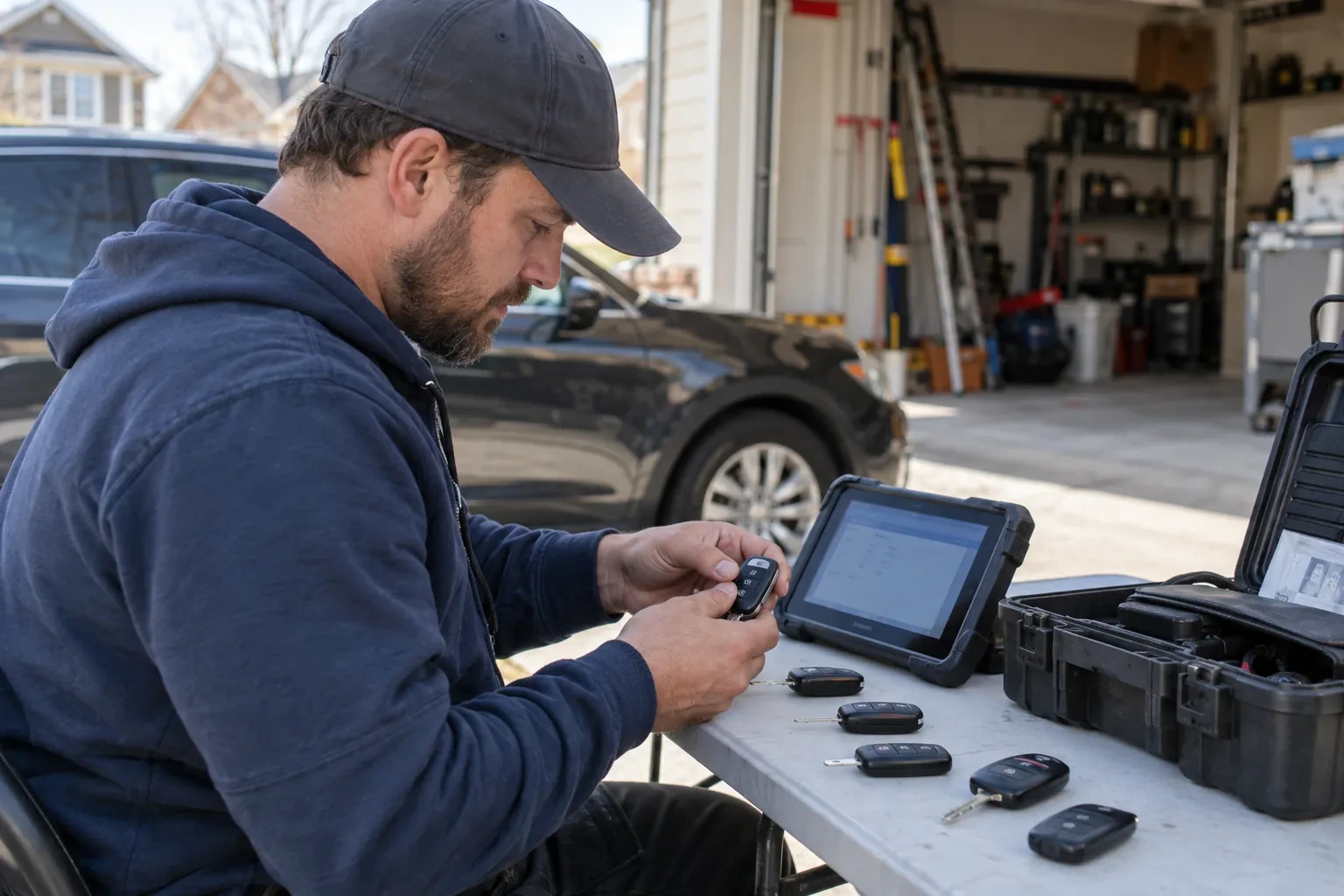
Not every credential should open every door, and not every door should unlock at the same hour, so the locksmith works through a simple list with the business: which roles need which openings, whether a loading dock or a storage room should follow its own hours, and whether a holiday schedule or a temporary contractor credential comes up regularly. This list becomes the access levels and schedules programmed into the controller later, and getting it right at this stage means fewer changes to make once people are already using their cards or codes.
Setting up schedules and access levels
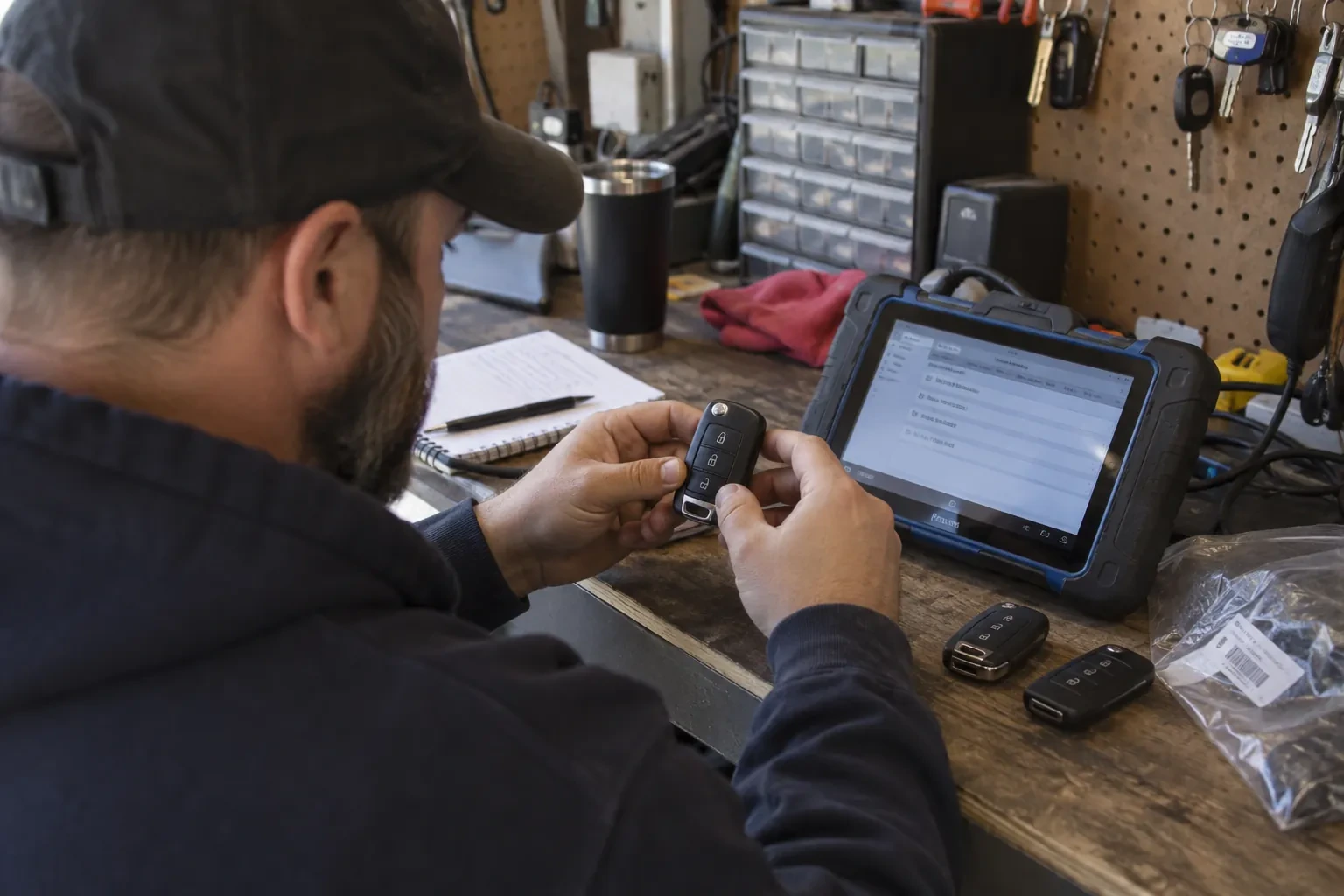
With the wiring finished, the work moves to the controller's software: schedules for regular business hours, another schedule for a loading dock or an after-hours cleaning crew, and access levels that group doors by who is allowed through them. A manager's credential might sit in every access level, while a new hire's sits in only the one or two the role actually needs. Holidays are entered so a schedule does not unlock a door on a day the building is closed, and the whole configuration is saved before any credential is issued against it.
Keeping the battery backup and hardware ready
A controlled door depends on power reaching the controller, the lock, and the reader, so battery backup is worth specifying and sizing for that opening rather than assumed to come standard, so a short outage does not leave anyone locked out or, on a fire-alarm-tied opening, locked in. That backup, where fitted, is worth checking periodically, along with the request-to-exit device on any magnetic lock, since both need attention between visits; a fail-secure lock can stay locked from the secure side once power is gone even where people can still leave freely. A short test, a few times a year, catches a fading battery early.
Access Control Installation
In the van
Door position switches
Power supply with battery backup
Magnetic locks
Request-to-exit devices
Card and fob readers
Access Control Installation
What affects the quote
Standalone or networked
A self-contained reader at one door is simpler than a networked controller managing several openings with shared schedules and a combined log, and the choice between them changes both the hardware list and the wiring involved.
Condition of the existing hardware
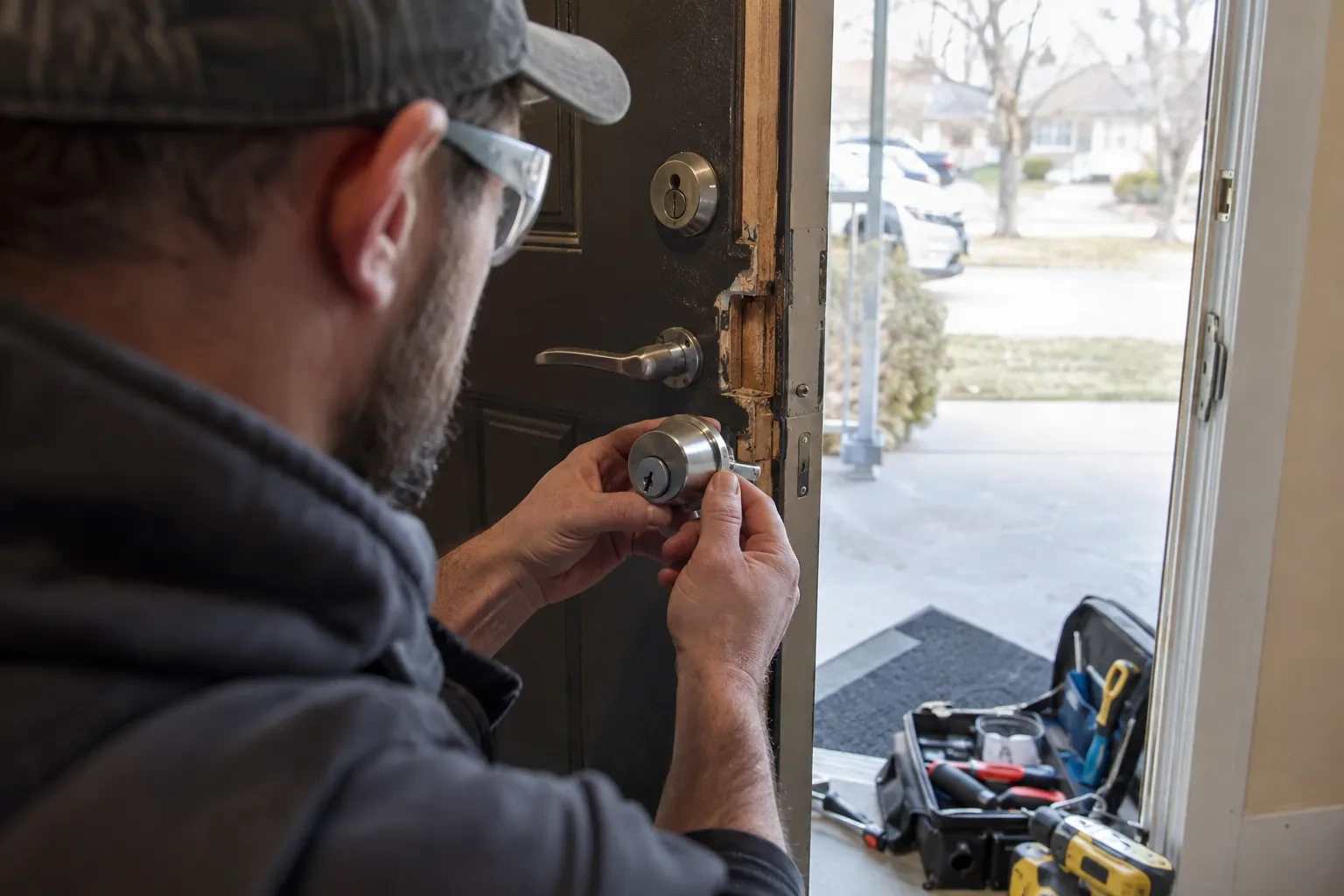
A working mechanical lock that can stay in place as the override is a simpler starting point than an old, failing keypad system that has to be removed before new hardware goes on in its place.
Room left for future doors
Sizing the controller and power supply with some spare capacity for a door or two added later costs a little more at installation but avoids a second controller purchase when the building later adds an opening.
What to have ready
- Which doors do you want to control with the new system?
- Do any doors need different hours than the rest of the building?
- Is there network access near where a controller could be mounted?
Access Control Installation: questions
QuestionsWhat credential types are available: cards, codes, fobs, phones?
A proximity card or fob held near a reader, a code typed on a keypad, or a mobile credential read from a phone are all in common use, and a single building can mix them by door or by person. Cards and fobs are simple to issue and switch off individually; a keypad needs no card to lose but a shared code eventually gets passed around; a mobile credential ties entry to a device the person already carries.
Who keeps administrative control of the software after installation?
The business does. Handover includes a full administrator account with the ability to add and revoke credentials, change schedules, and pull an entry log, confirmed working before the locksmith leaves. Whether the installer keeps any support or portal access beyond that is a setting agreed with the business, not a fixed feature of every system, so it is worth confirming as part of that handover.
How long does an installation usually take?
A single standalone door is usually finished within a day, including testing and training. A building with several networked openings, cabling to run and a controller to program takes longer, and is often planned across more than one visit so cabling, hardware, and software configuration each get proper attention rather than being rushed through in one pass.
Related services
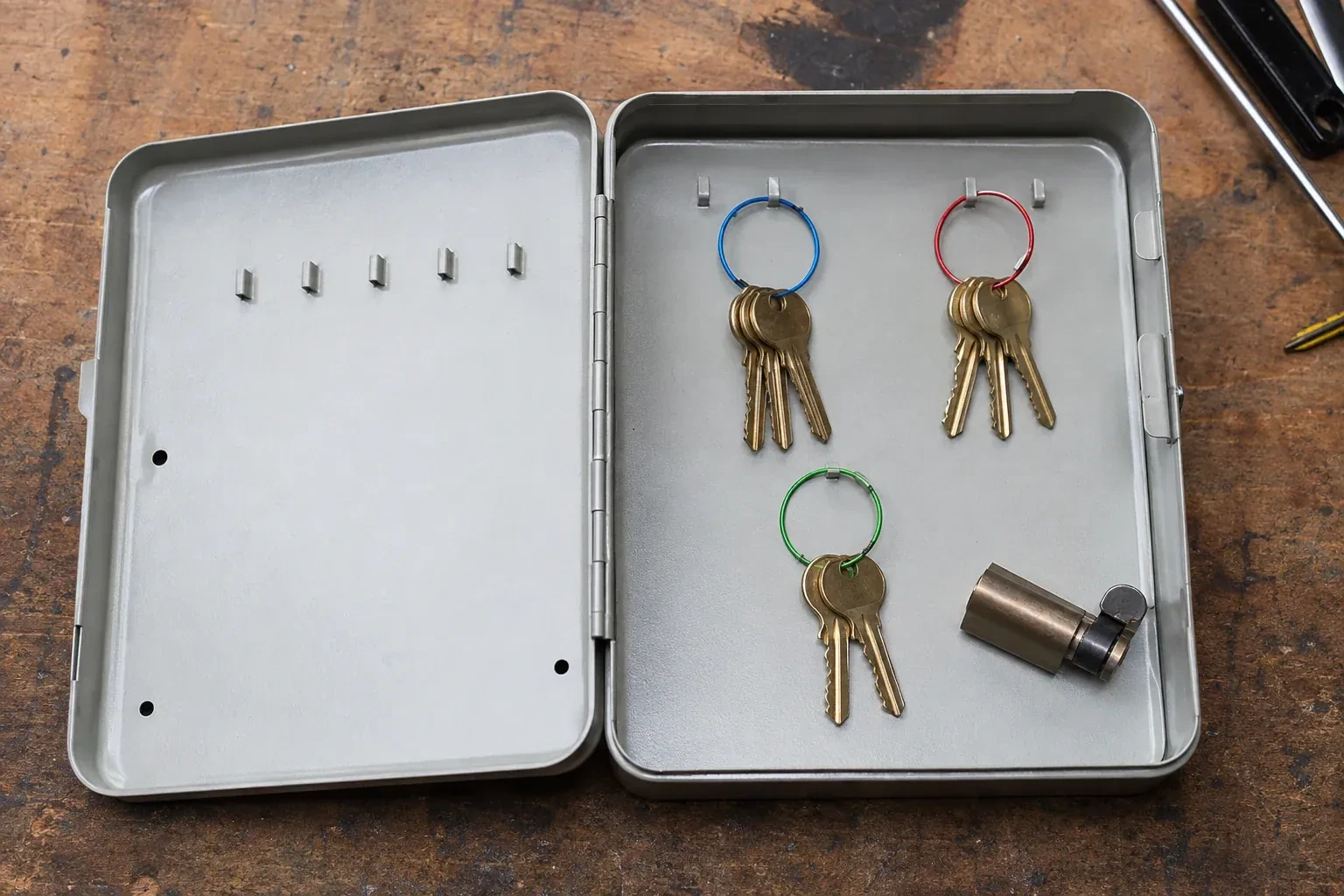
- Master Key System DesignThe office key ring has become the org chart.
- Panic & Exit HardwareThe fire inspector's note is blunt: the banquet hall's second exit still turns on a deadbolt, and the crowd it is rated to hold needs a door that opens under one motion, no key involved.
- Commercial-Grade Lock ReplacementHead office wants every branch keyed alike under one system, and half the locations are still running whatever lockset the original contractor happened to install years ago.