
Commercial · Wexford
Access Control Installation in Wexford
The keypad on the side door has started sticking on cold mornings, codes get shared instead of reset, and half the staff still remember a code you meant to retire two hires ago.
In plain words
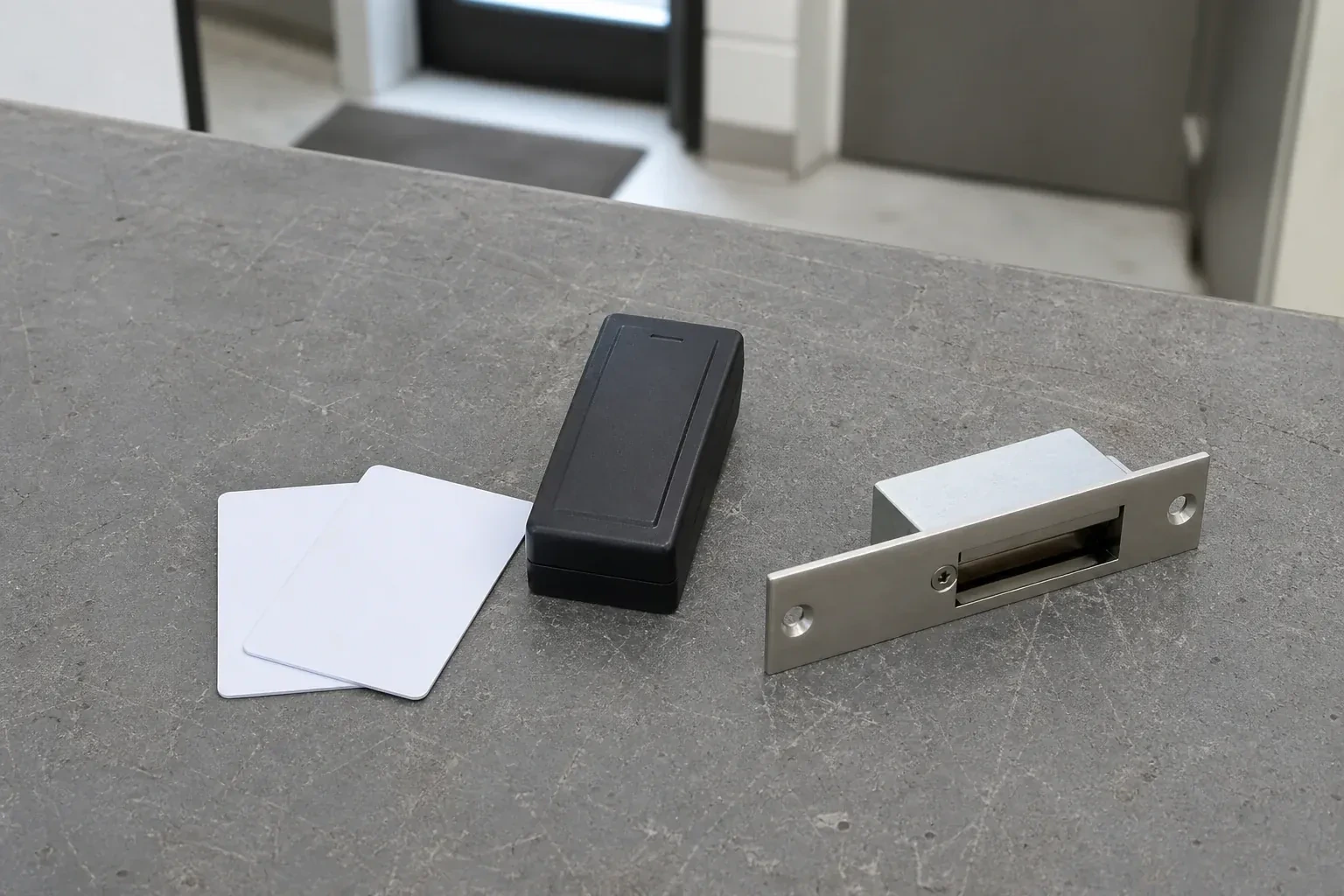
Credentials take several forms, and most installations end up mixing them: a proximity card or fob held near a reader, a keypad code typed at the door, or a mobile credential read from a phone. Cards and fobs are simple to hand out and just as simple to switch off if lost; a code needs no hardware to issue but has to be changed once shared too widely; a mobile credential ties entry to a device the person already carries. The mix is chosen door by door, based on who uses each one and how often.
How the visit goesSomething went missing from the storeroom over a weekend, and when you ask who was in the building, the honest answer is anyone with a key. There is no list, no time stamp, no way to narrow it down.
Access Control Installation
How the visit goes
Checking the network before relying on it
A networked controller usually needs a live network connection to report events and accept schedule changes, so where that option is on the table, the survey includes a look at the building's existing network: is there a switch port near where the controller will sit, does the building's technology policy allow another device on the network, and does a networked system suit the business better than several standalone readers that need no network at all. Answering this before ordering hardware avoids discovering, midway through the job, that the simpler standalone option was the better fit all along.
Enrolling cards, fobs and codes
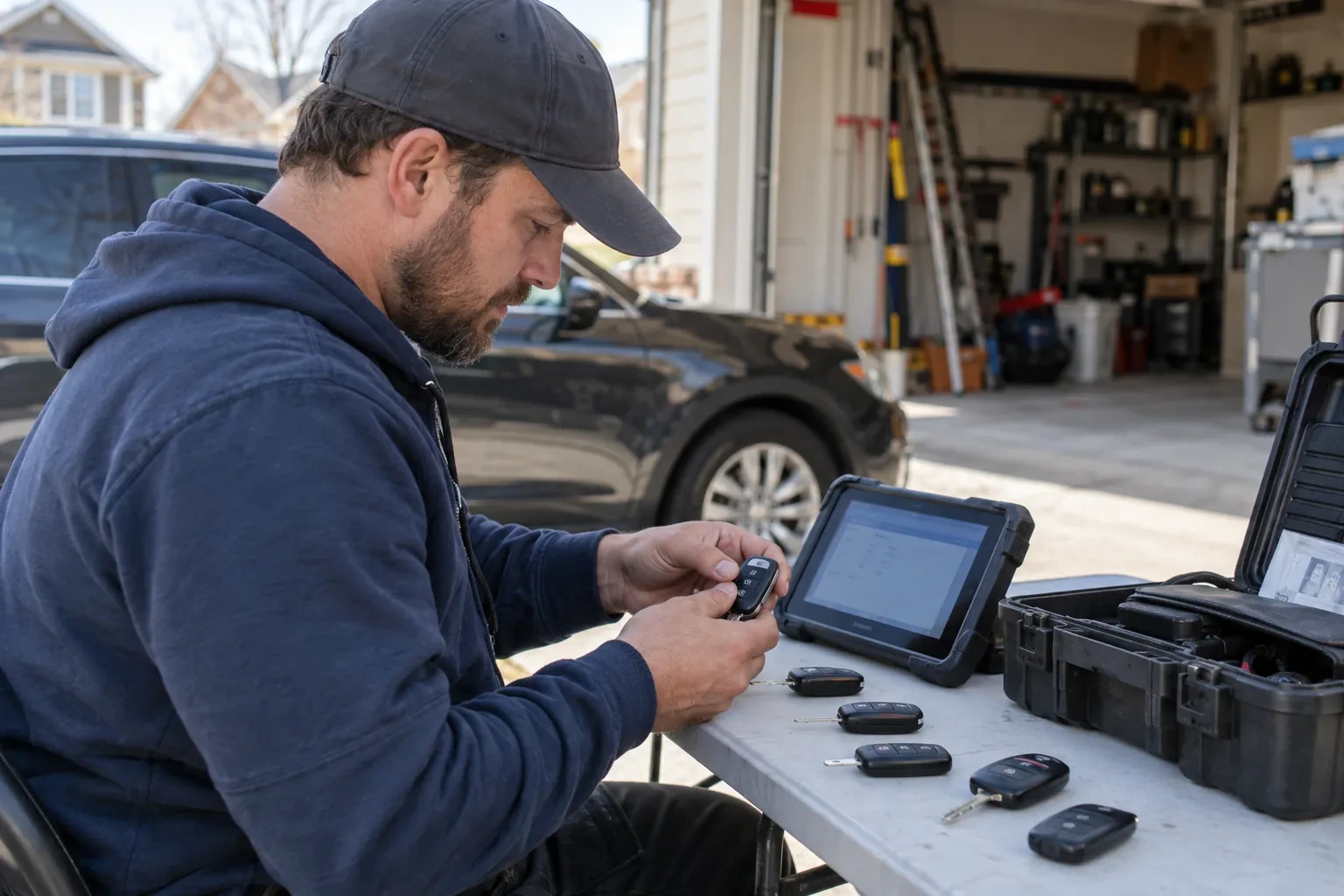
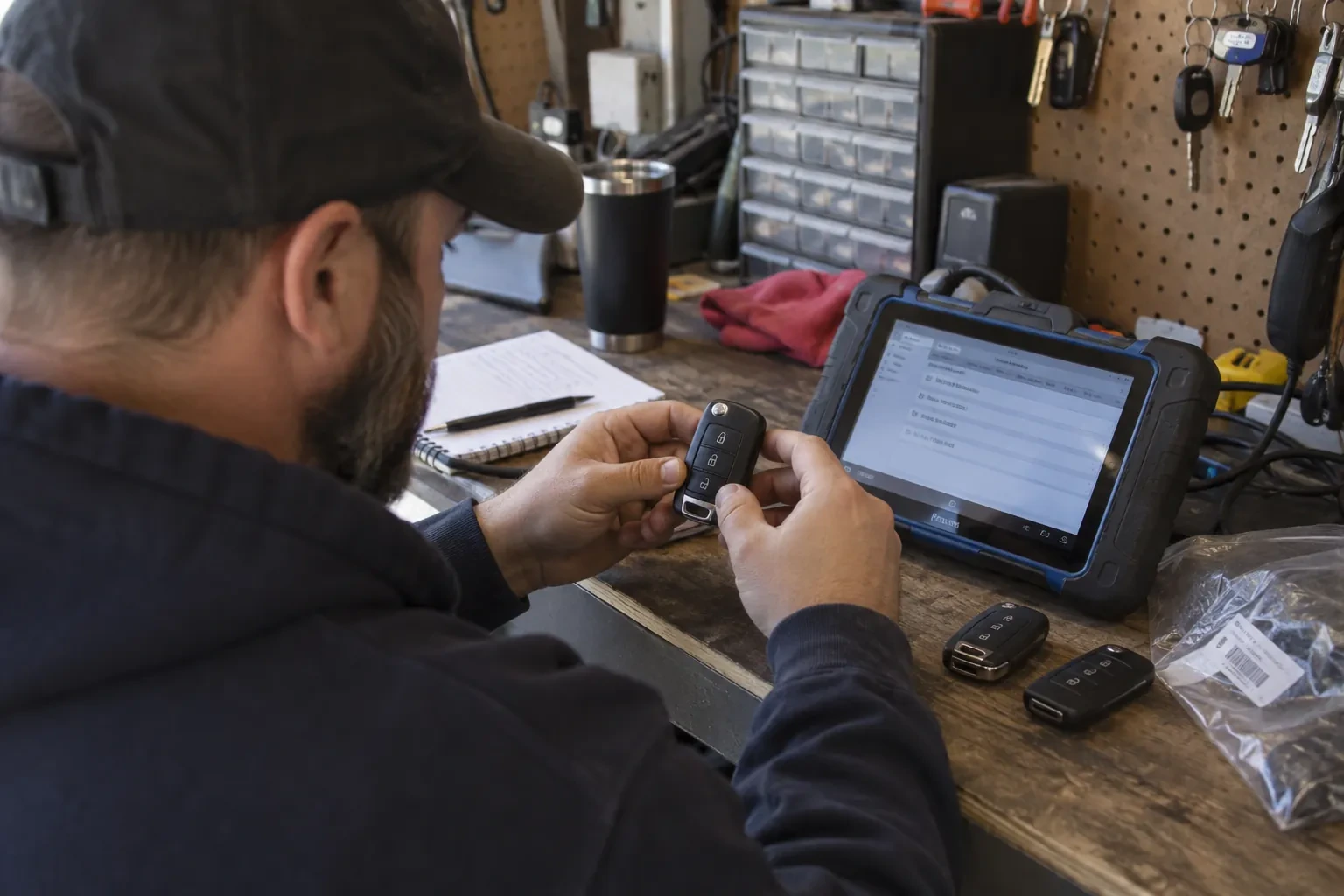
Once schedules and access levels are ready, each credential is enrolled against a name, presented at a reader or entered at an enrolment station, and assigned to the access level matching the person's role. A keypad code is set and confirmed working at the door itself; a card or fob is tested the same way before it is handed over. The locksmith keeps a running list during enrolment so nothing is issued twice and nothing is left unassigned, and hands that list to the administrator as the starting record for the system going forward.
What to do when a card or fob goes missing
A lost card or fob is handled by switching it off in the software rather than replacing a lock. The credential stops working as soon as it is disabled, whoever lost it is issued a new one, and every other door in the building keeps running exactly as it did before. There is no locksmith call needed for this, no rekeying, and no gap where a door sits unsecured while a replacement is arranged. Reporting a lost credential without delay, rather than holding onto the news, is the one habit that keeps this advantage working the way it was intended.
Access Control Installation
In the van
Door position switches
Power supply with battery backup
Magnetic locks
Request-to-exit devices
Card and fob readers
Access Control Installation
What affects the quote
Whether any door is also a fire exit
An exit route on a magnetic lock brings its own hardware — a request-to-exit device and a fire alarm tie-in — while an electric strike paired with a free-egress lockset can meet the same one-motion exit without those extra components, unlike a purely interior door.
Fitting the mechanical override
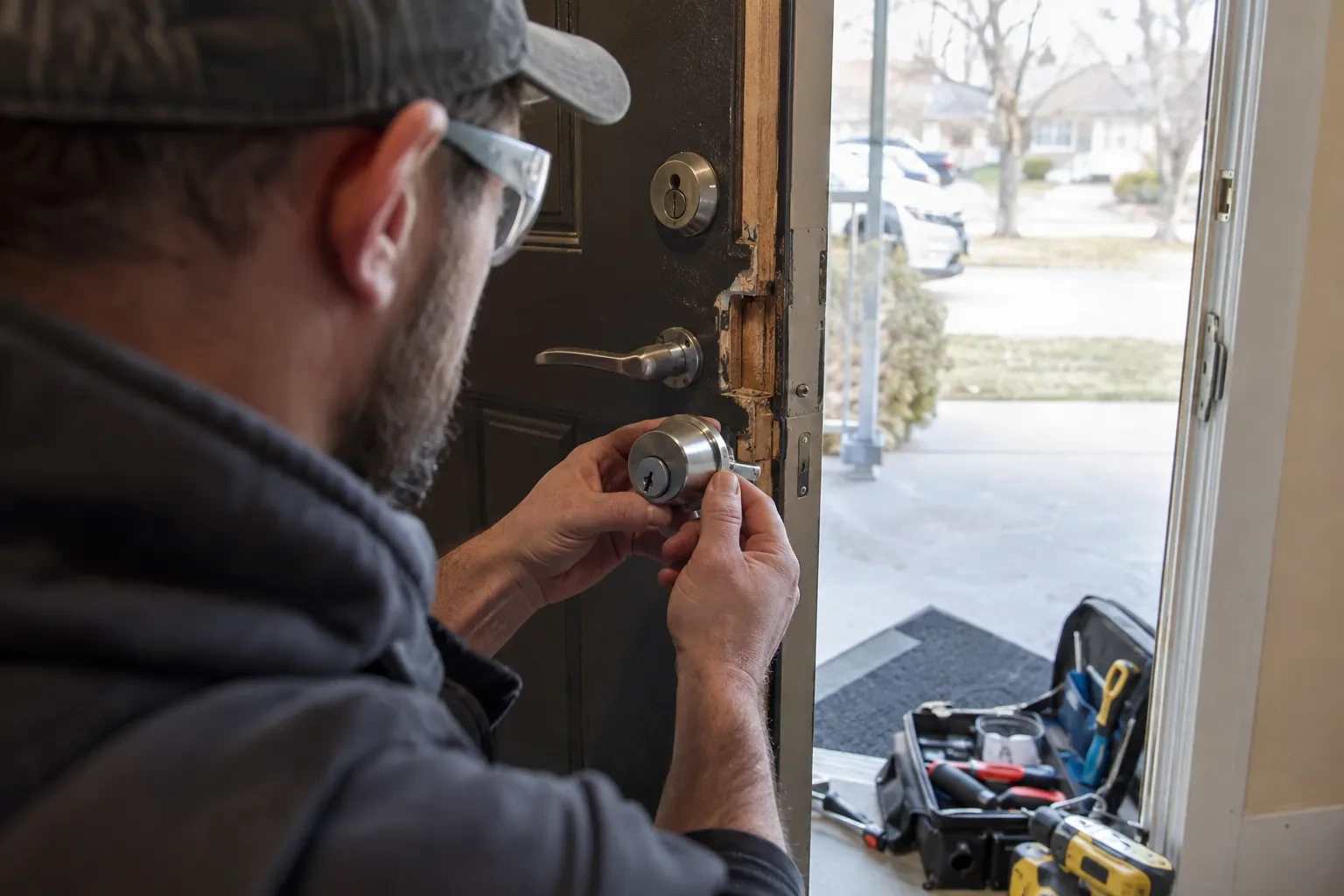
Keying an override cylinder into the same system as the rest of the property's keys, rather than leaving it as an unrelated spare lock, takes coordination with whatever keying already exists across the building.
How many doors are being controlled
A single entrance and a building with a dozen openings are different jobs in scale rather than kind, and the number of doors, readers and locks involved is the largest single factor in sizing the work.
What to have ready
- Is any of these doors also a fire exit or required exit route?
- Is this a single business, or a shared, multi-tenant building?
- Do you expect to add more controlled doors later on?
Access Control Installation: questions
QuestionsWhat credential types are available: cards, codes, fobs, phones?
A proximity card or fob held near a reader, a code typed on a keypad, or a mobile credential read from a phone are all in common use, and a single building can mix them by door or by person. Cards and fobs are simple to issue and switch off individually; a keypad needs no card to lose but a shared code eventually gets passed around; a mobile credential ties entry to a device the person already carries.
Who keeps administrative control of the software after installation?
The business does. Handover includes a full administrator account with the ability to add and revoke credentials, change schedules, and pull an entry log, confirmed working before the locksmith leaves. Whether the installer keeps any support or portal access beyond that is a setting agreed with the business, not a fixed feature of every system, so it is worth confirming as part of that handover.
How long does an installation usually take?
A single standalone door is usually finished within a day, including testing and training. A building with several networked openings, cabling to run and a controller to program takes longer, and is often planned across more than one visit so cabling, hardware, and software configuration each get proper attention rather than being rushed through in one pass.
Related services
- Master Key System DesignThe office key ring has become the org chart.
- Panic & Exit HardwareThe fire inspector's note is blunt: the banquet hall's second exit still turns on a deadbolt, and the crowd it is rated to hold needs a door that opens under one motion, no key involved.
- Commercial-Grade Lock ReplacementHead office wants every branch keyed alike under one system, and half the locations are still running whatever lockset the original contractor happened to install years ago.